
Sharing your Agents
How to share your agents
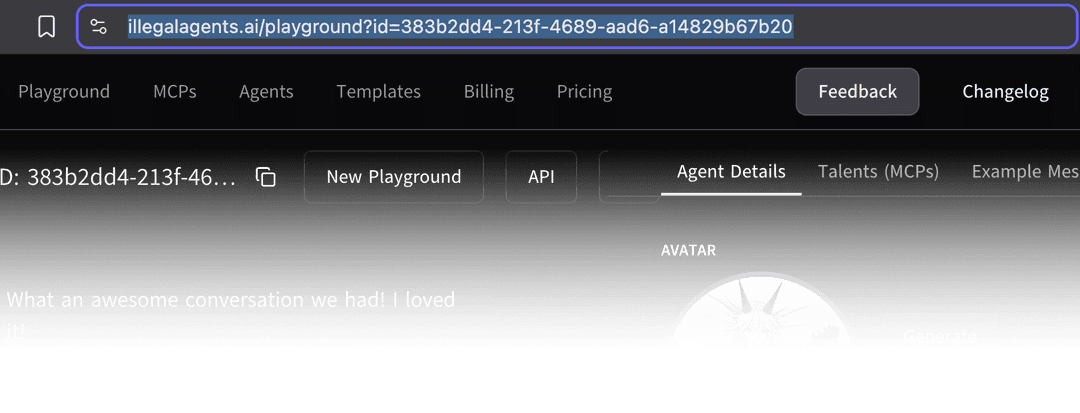
Copy and paste the entire URL from the address bar. Easy.
How does sharing work?
Everything in the playground runs in the browser. When you share a link to someone else, they fork your agent, and run it themselves. Each user will use their own credits when the agent does inference.
What exactly gets shared with a link?
Almost everything you built in the playground gets shared
- Agents, name, visual description.
- MCP config
- The API keys you have entered in (Be careful when sharing)
- The saved chat (If you do not wish to share, clear the chat before copying the link)
What does not get shared
- Your credits, You need your own credits to run inference on an agent
- Your account name
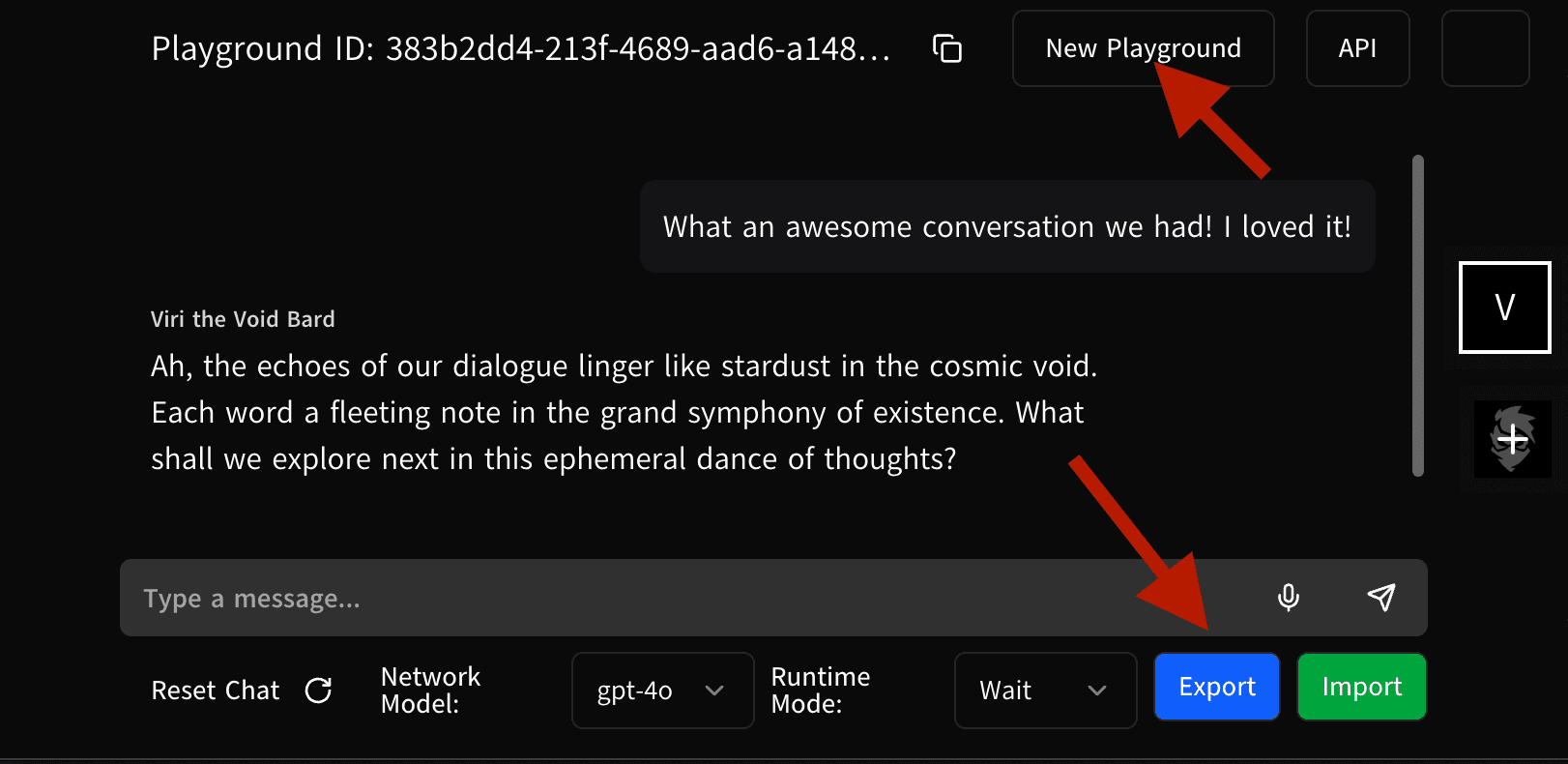
Click Export, and view the .JSON in a text editor to see exactly what is being shared.
Can someone edit my work?
No. When you open up a link, it checks to see if you're the owner. If not, it gets forked into a new shareable link.
But wait, I want to save my chat history, but not give them to other users!
You can "export" the current state to a local .JSON you download which captures the chat history. Clear the chat, and then share the link. You can always restore your agent by clicking "New Playground" and importing the saved JSON file.
How is this guide?